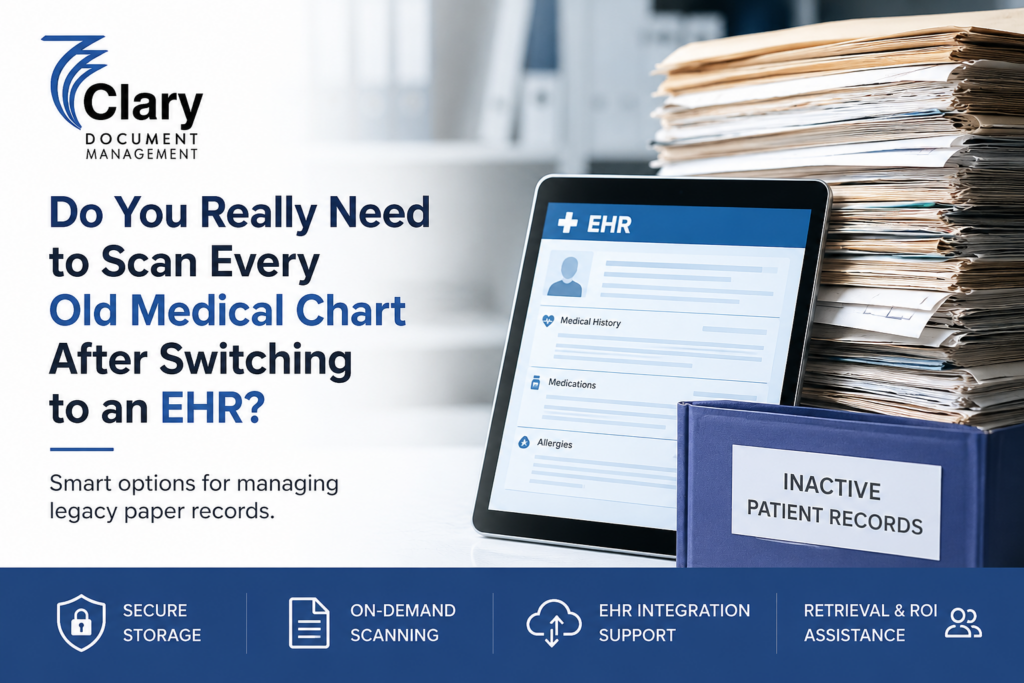
Switching from paper charts to an electronic health record can feel like the end of one chapter for a medical practice.
The boxes of charts sitting in the records room, however, don’t become irrelevant just because your EHR is live.
For many physicians, the real question comes afterward:
Do we really need to scan every old medical chart?
If your practice has years—or even decades—of paper records, the answer isn’t necessarily yes. Depending on your workflow, patient population, record age, and future access needs, you may have better options than spending months scanning every page.
The goal is not simply to eliminate paper. It’s to make sure important patient information remains secure, accessible, organized, and properly managed without allowing inactive charts to consume valuable practice space.
Your EHR Doesn’t Automatically Replace Every Historical Record
Moving to an EHR changes how your practice creates and accesses current patient information. It doesn’t automatically make every historical paper record unnecessary.
A patient who has been with your practice for 15 years may have a combination of older paper documentation and newer electronic information. Previous diagnoses, test results, specialist reports, procedures, medication histories, and other clinical information may still exist only in the paper chart.
That creates an important distinction:
Going digital does not necessarily mean digitizing everything.
Clary Document Management specifically helps healthcare providers manage the transition from paper charts to electronic records, including the secure storage of inactive records and digitization when needed.
If your practice is trying to figure out where those older charts should go, start by reviewing Clary’s medical record storage solutions.
Do You Have to Scan Every Old Chart?
Not necessarily.
For some practices, complete digitization makes sense. For others, securely storing inactive paper charts and scanning records only when they are needed can be more practical.
Think of your options as three basic approaches.
Option 1: Scan Everything
Complete scanning can be useful when physicians frequently need access to historical records or when the practice wants to operate almost entirely electronically.
Once properly scanned and indexed, historical records can be accessed digitally rather than requiring staff to locate a physical chart.
But scanning thousands of charts is a significant project.
Someone has to prepare the records, remove staples and other materials, scan the pages, organize the files, check quality, index the information, and determine how those documents will be incorporated into the EHR.
Simply turning a room full of charts into thousands of PDF files doesn’t automatically create an efficient records system.
Option 2: Keep the Paper Charts in Your Office
This may seem like the easiest solution because nothing has to be moved.
But over time, inactive records can become a surprisingly expensive use of clinical space.
Filing cabinets and boxes occupy rooms that could otherwise be used for patient care, staff workstations, equipment, or other operational needs. Older charts also require organization and controlled access.
If your practice is already operating with an EHR, maintaining years of inactive paper charts in the office may not make much sense.
Option 3: Securely Store the Charts and Scan When Needed
For many practices, this is the middle ground worth considering.
Instead of scanning every historical chart immediately, inactive records can be securely stored away from the practice. When a specific patient record is needed, the chart can be retrieved and, where appropriate, scanned into an electronic format.
This is known as a scan-on-demand approach.
Clary’s medical records scanning service is built around this model. Rather than requiring practices to back-scan every archived chart, Clary can scan records when they are requested and provide them in a digital format suitable for use with an existing EMR in most cases.
For a practice with thousands of inactive charts but relatively few requests for those records, that distinction can make a major difference.
What Happens When a Patient Returns Years Later?
This is where the decision becomes more practical.
Imagine a former patient returns after eight years.
Your EHR contains their newer information, but their older history is still sitting in a paper chart.
That chart could contain information that helps a physician understand the patient’s medical history and current care.
The question isn’t simply:
“Is the chart paper or electronic?”
The better question is:
“Can we access the information when we need it?”
A paper chart that is securely stored and quickly retrievable can still be useful. Likewise, a scanned archive is only valuable if the documents are properly organized and easy for authorized staff to locate.
That is why records management needs to be considered alongside the EHR transition itself.
Don’t Confuse Scanning With Good Records Management
A practice can scan every page in every chart and still end up with a records-management problem.
If documents aren’t properly organized, indexed, and associated with the correct patient, finding information can remain difficult.
There is also a difference between a scanned image and structured information inside an EHR. Scanning creates a digital representation of the document, but it doesn’t necessarily transform every piece of information into searchable clinical data within the EHR.
Before launching a large-scale scanning project, physicians and practice administrators should determine what information actually needs to be migrated and how it will be used.
If you’re unsure whether your practice needs storage, scanning, retrieval, or a combination of services, explore Clary’s document management services to see how these pieces can work together. Clary provides healthcare-focused storage, scanning, retrieval, and custodial services rather than treating medical charts like ordinary business files.
What Should You Consider Before Scanning Thousands of Charts?
Before committing your practice to a massive scanning project, ask a few practical questions.
How old are the records?
A chart belonging to an active patient may have a very different value to your practice than an inactive chart that hasn’t been accessed in many years.
How frequently are historical records requested?
If your staff regularly needs older charts, digitization may provide substantial efficiency benefits.
If historical requests are relatively uncommon, storing inactive charts securely and scanning them only when necessary may be worth considering.
What does your EHR actually need?
Talk with your EHR implementation team about what information needs to be migrated, what can remain as scanned documentation, and what should remain outside the active electronic record.
How much space are the charts consuming?
If inactive charts are filling cabinets, storage rooms, or other valuable clinical space, moving them off-site can immediately change the physical footprint of the practice.
Clary offers secure off-site medical record storage for healthcare providers, with services that can include secure storage, retrieval, scanning, and release-of-information management.
How will records be retrieved?
This is one of the most important questions.
Don’t evaluate a storage provider based only on the amount of space they have available. Ask how records are indexed, how requests are processed, how quickly charts can be retrieved, and how electronic copies can be delivered when needed.
A box sitting safely in a warehouse isn’t enough if your staff has difficulty getting the information back.
What are your retention obligations?
Medical record retention requirements can vary depending on jurisdiction, patient circumstances, and the type of practice. Your practice should establish a retention policy based on the applicable requirements rather than assuming old records can simply be discarded.
The AMA, for example, emphasizes physicians’ responsibilities around appropriate medical record retention, storage, and availability.
A Hybrid Strategy May Be the Smartest Option
For many practices, the answer doesn’t have to be scan everything or keep everything in the office.
A hybrid strategy can combine the advantages of both.
Active and frequently accessed information can be maintained digitally. Older, inactive paper records can be securely archived. When an archived chart is needed, it can be retrieved and scanned or delivered according to the practice’s workflow.
This can reduce the disruption and upfront expense associated with scanning an entire archive while still giving physicians access to historical patient information.
It can also free up valuable office space without forcing the practice to permanently give up its paper records.
Clary Document Management has been helping healthcare providers manage the transition from paper to electronic medical records since 2006 and provides customized programs for practices with different storage, scanning, retrieval, and custodial requirements.
Need to discuss the best scan options? Contact clary today!
The Right Question Isn’t “Should We Scan Everything?”
The better question is:
“What’s the most secure, practical, and cost-effective way to keep these records accessible?”
For one practice, that may mean scanning the entire archive.
For another, it may mean scanning only selected records.
For another, it may mean securely storing inactive charts and using scan-on-demand whenever a physician needs information from an older record.
There is no reason to start a massive scanning project simply because you’ve moved to an EHR.
Instead, look at your patient population, how frequently historical charts are requested, how much space you’re using, what your EHR can accommodate, and what your long-term records-management obligations look like.
Let Clary Help Manage the Paper Left Behind
An EHR can transform how a practice works, but it doesn’t eliminate the responsibility of managing the paper records created before the transition.
That’s where having a healthcare-focused document management partner can make the process much easier.
Clary Document Management helps physicians and healthcare organizations manage inactive paper records through secure storage, retrieval, scanning, and medical record custodianship. The company has served healthcare providers across the United States since 2006 and customizes its programs around the needs of individual practices.
If your practice has a records room full of charts that haven’t been touched since your EHR implementation, don’t automatically assume you need to scan every page.
There may be a smarter way to manage them.
Contact Clary Document Management to discuss your records and determine whether secure storage, scan-on-demand, or a combination of services makes sense for your practice.
Your EHR should make patient care easier—not force your staff to spend months figuring out what to do with yesterday’s charts.